One Page Order Entry – Module Documentation
Version: 1.2.0 | Compatibility: OpenCart 3
📦 Module Overview
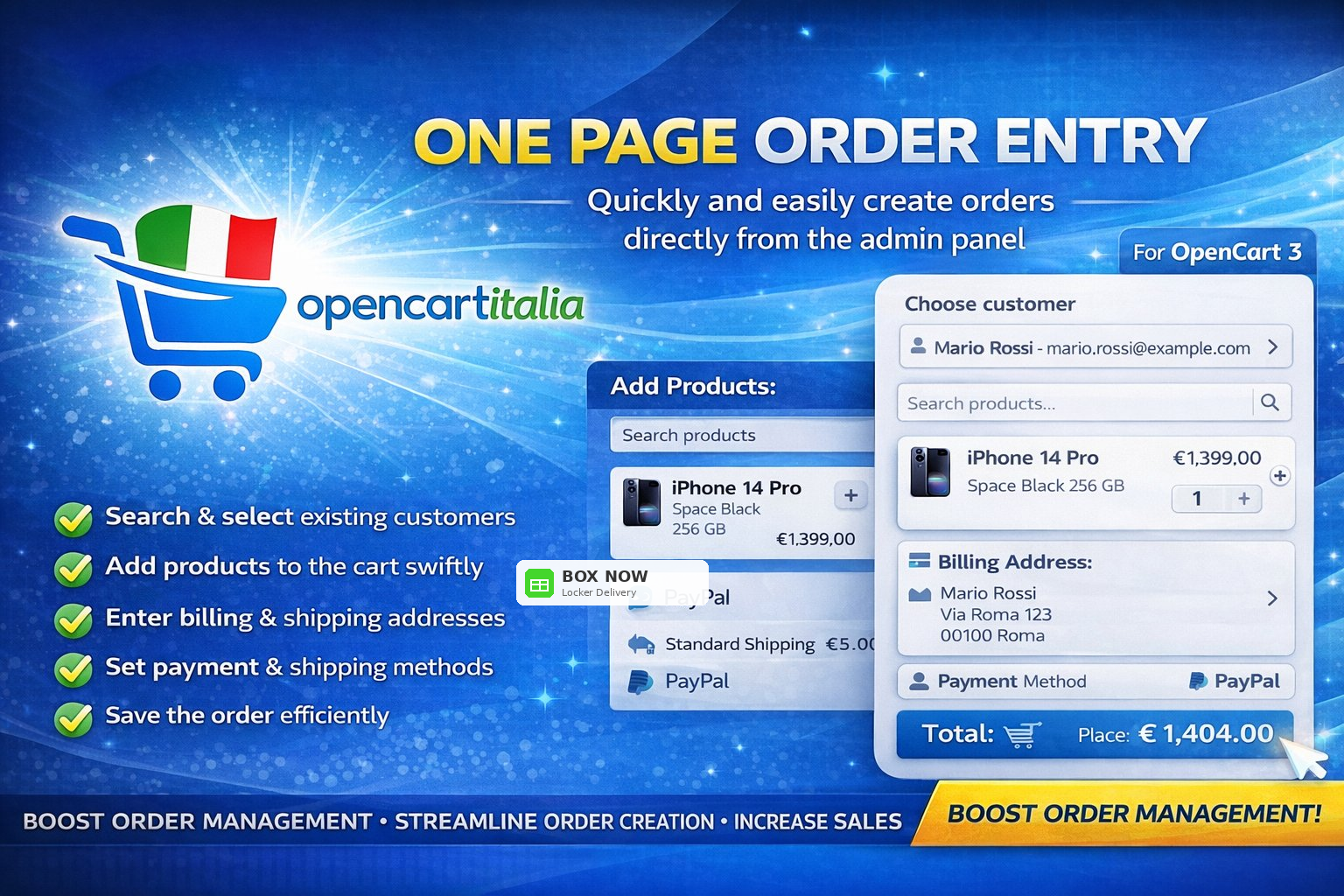
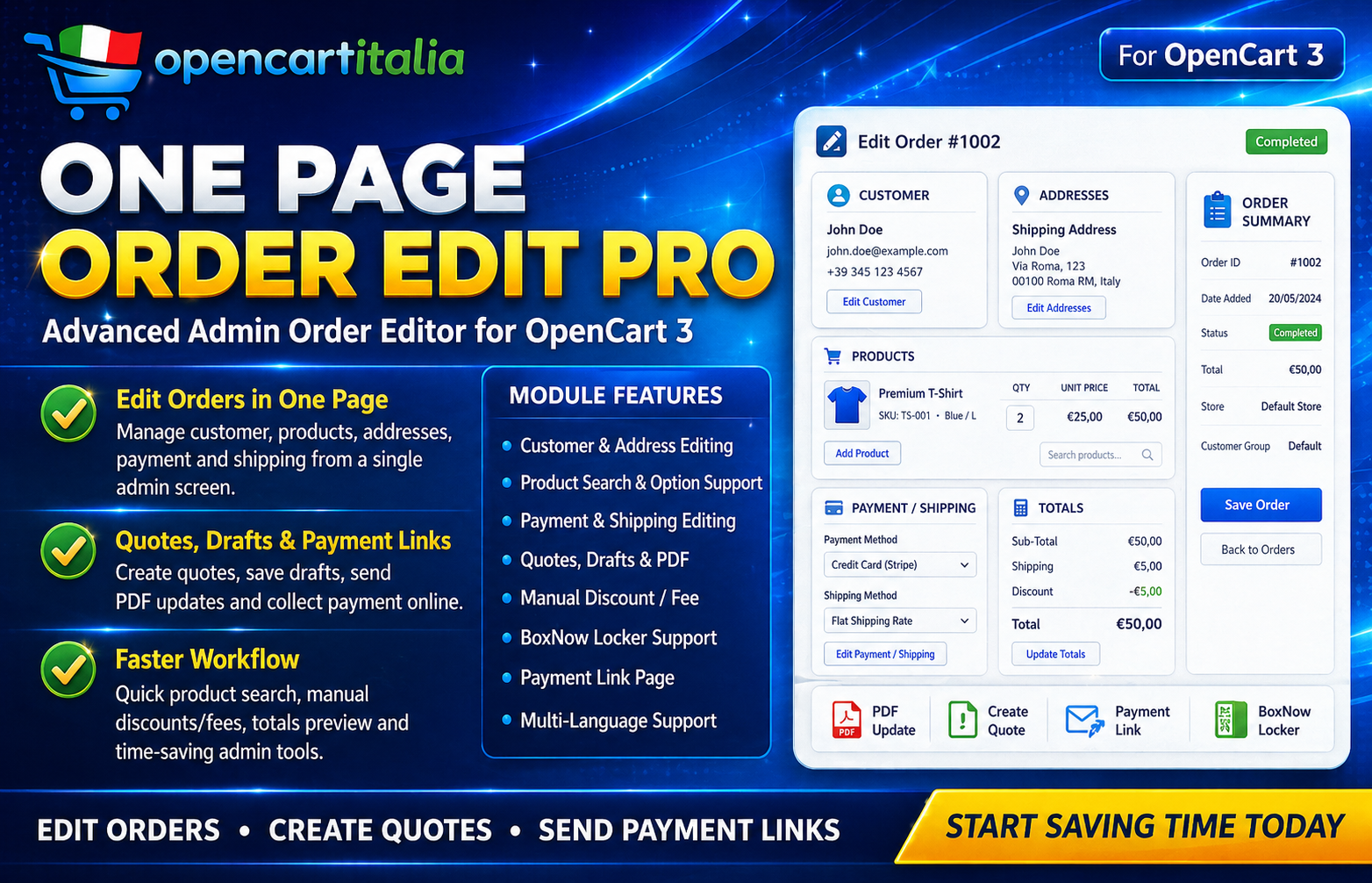
The One Page Order Entry module allows administrators to manually create orders directly from the OpenCart admin panel, without going through the store front-end. It supports customer selection, product management, billing and shipping addresses, payment and shipping methods, quotes, drafts, quote email sending with digital payment links, and BoxNow Locker integration.
⚙️ General Features
- Module enable and disable – The module can be enabled or disabled directly from the settings.
- Admin permission control – Operations are performed only by authorized admin users.
- Dynamic AJAX operations – Main actions are handled quickly and dynamically, without constantly reloading the page.
🛒 Order Management
Order Creation
Allows administrators to create and save a complete order using the data entered in the Order Entry panel. Before saving the order, the system checks:
- At least one product has been added to the cart
- Billing address has been completed
- Shipping address has been completed, when different from billing
- Payment method has been selected
- Shipping method has been selected, when required
If a BoxNow Locker is selected, the locker data is automatically saved together with the order. Once the order is created, the administrator is redirected to the order details page.
Order Duplication
Allows administrators to duplicate an existing order and quickly create a new one with the same customer, products, addresses, payment method and shipping method.
📋 Quote Management
Quote Saving
Allows administrators to save the current work as a quote in the database. The system stores the customer name, email, telephone, products, addresses, methods, totals and all the required data to resume or convert the quote later.
Quote List
Displays a paginated list of saved quotes. It supports filters by quote ID, customer name, email, telephone and status. Each quote includes quick actions such as opening, PDF generation, conversion to order, deletion and email sending.
Quote Opening
Allows administrators to load a saved quote and continue editing it directly from the Order Entry form.
Quote to Order Conversion
Converts an existing quote into a real order. The system automatically retrieves customer details, email, telephone, addresses and all required information. If the quote includes a BoxNow Locker, the locker data is correctly saved into the generated order.
Quote Deletion
Allows administrators to delete a saved quote from the database.
Quote PDF
Generates a PDF version of the quote including the store logo, customer details, products, totals, addresses and selected methods. The PDF can be viewed or sent to the customer.
Quote Email with Payment Link
Allows administrators to send the quote to the customer by email with the PDF attached and a Pay Now button. The system generates a unique and secure payment link, compatible with multistore and multilingual OpenCart setups.
Through this link, the customer can continue independently with the digital payment using the payment methods available in the store, such as PayPal, credit cards, Klarna, Kustom Checkout or any other payment gateway configured in OpenCart.
This feature makes it easy to turn an emailed quote into a paid order, reducing manual steps and improving the customer purchasing experience.
💾 Drafts
Draft Saving
Allows administrators to save the current work as a draft, so the order or quote creation process can be resumed later.
Draft Loading
Allows administrators to load a saved draft and continue editing it from the Order Entry panel.
👤 Customer Management
Customer Search
Allows administrators to quickly search registered customers using an autocomplete field. Each result displays the customer ID, full name, email and telephone.
Customer Information
Retrieves the full details of a registered customer, including personal data and saved addresses.
Apply Customer to Order
Applies the selected customer to the order or quote currently being created.
Quick Customer Creation
Allows administrators to create a new customer directly from the Order Entry panel, without opening the standard OpenCart customer section.
Customer Order History
Displays the previous order history of the selected customer, useful for quickly checking past purchases or recurring customer data.
📍 Address Management
Billing Address
Allows administrators to enter or apply the billing address for the order. If the "same address" option is enabled, the billing address is automatically copied as the shipping address.
Shipping Address
Allows administrators to enter or apply the shipping address for the order. It can be the same as or different from the billing address.
Same Address Option
Allows automatic synchronization between the billing address and the shipping address.
🏷️ Product Management
Product Addition
Allows administrators to add products to the order with quantity, options and the possibility to set a custom manual price, overriding the default catalog price.
Product Removal
Allows administrators to quickly remove a product from the cart of the order currently being created.
Cart Refresh
Dynamically updates the cart, displaying products, quantities, prices, discounts, additional fees and totals.
Product Information
Displays the main information of the selected product, including name, model, price and available options.
💳 Payment Methods
Payment Method List
Displays all payment methods available in the store and indicates the currently selected one.
Apply Payment Method
Allows administrators to select and apply the payment method to the order or quote currently being created.
🚚 Shipping Methods
Shipping Method List
Displays all shipping methods available in the store and indicates the currently selected one.
Apply Shipping Method
Allows administrators to select and apply the shipping method. If a BoxNow Locker is selected, the locker data is saved together with the order or quote.
📦 BoxNow Locker Integration
BoxNow Locker List
Retrieves the list of available BoxNow Lockers based on the provided postcode, city and address. Results can be displayed through a map or selector.
Save Locker Data to Order
When an order is created or a quote is converted into an order with an associated BoxNow Locker, the system automatically saves the locker ID, name, address, coordinates and all required shipping management data.